Hệ thống
Admin > Hệ thống
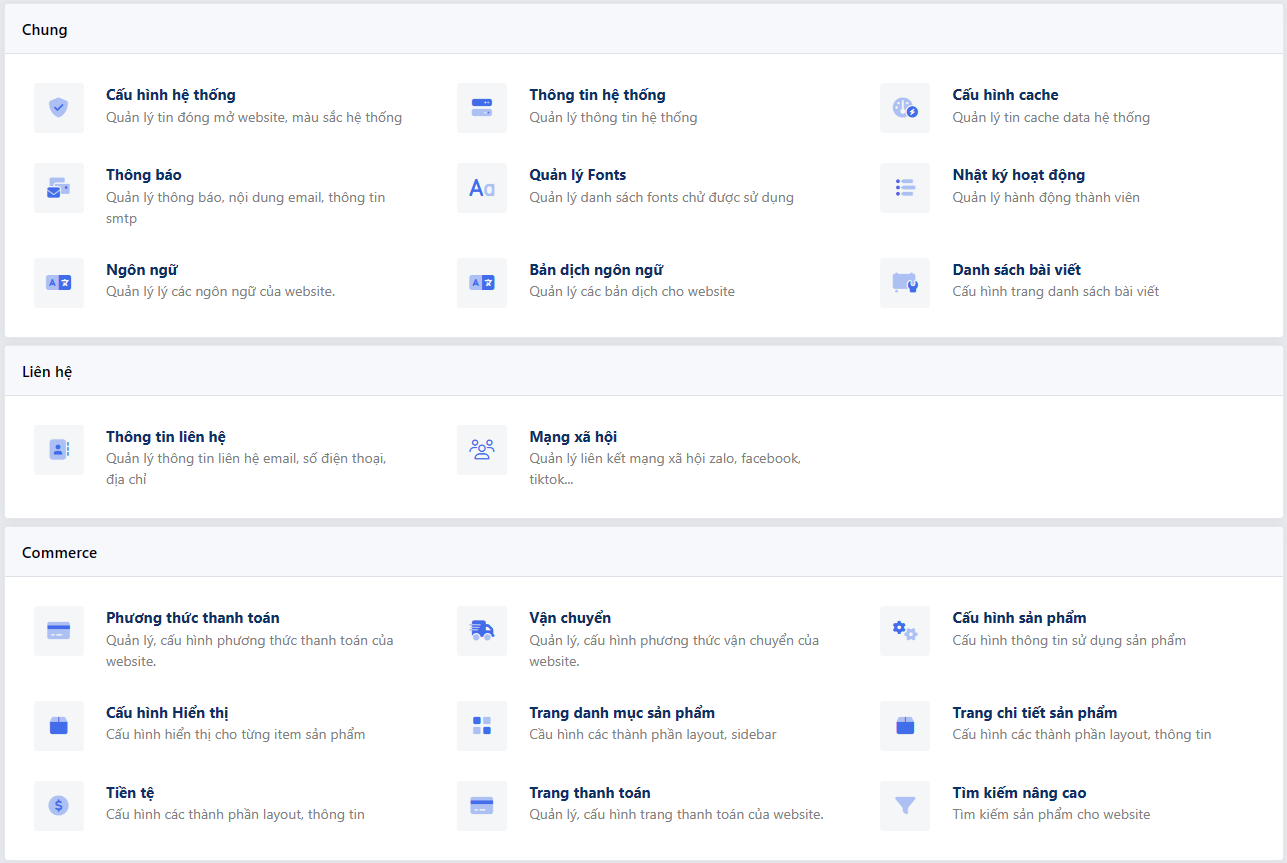
Thêm group hệ thống
Để thêm một nhóm system vào hệ thống bạn dùng hook admin_system_groups
function systemGroup($group)
{
    $group['system_group_key'] = [
        'label' => 'system group name',
    ];

    return $group;
}

add_filter('admin_system_groups', 'systemGroup');
Thêm cấu hình hệ thống
class SystemCustom
{
    static function register($tabs)
    {
        $tabs['system_element_id'] = [
            'label' => 'system_name', //Tên cấu hình
            'group' => 'system_key_group', // group muốn thêm cấu hình nếu không điền sẽ tự động thêm vào group "chung"
            'description' => 'system_description', // mô tả cấu hình
            'callback' => 'SystemCustom::render', // callback hiển thị chi tiết cấu hình
            'icon' => '' //icon,
            'form' => true,
        ];
        return $tabs;
    }

    static function render(\SkillDo\Http\Request $request, $tab): void
    {
        $form = form();

        Admin::view('system/views/default', [
            'title' => '',
            'description' => '',
            'form' => $form
        ]);
    }

    static function save(\SkillDo\Http\Request $request)
    {
    }
}

add_filter('skd_system_tab', 'SystemCustom::register', 50);
add_filter('admin_system_${system_element_id}_save', 'SystemCustom::save', 10, 2);
Theo mặc định ở trang chi tiết cấu hình sẽ có một form bao lại phần render của system vừa đăng ký để khi click submit form sẽ
gửi data về hook admin_system_${system_element_id}_save và chạy method save vừa đăng ký, nếu bạn muốn tắt form này thì
thêm thuộc tính form bằng false vào
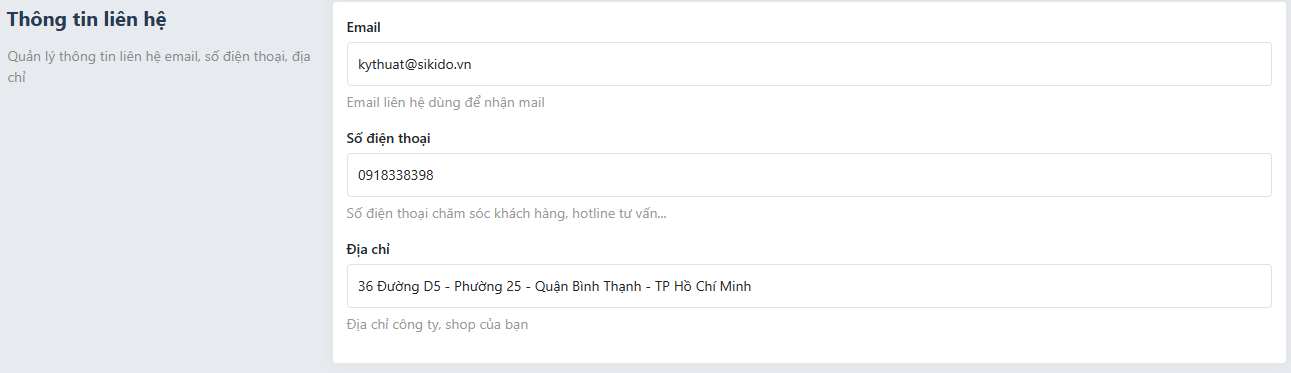
Components default
Admin cung cấp một component mặc định cho phàn hệ thống
Admin::view('system/views/default', [
    'title' => '', //Tiêu đề
    'description' => '', //mô tả
    'form' => $form // form có thể là một SkillDo\Form\Form hoặc content html
]);
Components hiển thị như sau